
 Invantive Estate
Active Sessions |
This screen allows you to look up data from user sessions. ;8714;8825
A session starts when a person logs into the application. A session is closed after the user logs out or after a set time has elapsed after the last action of the user.
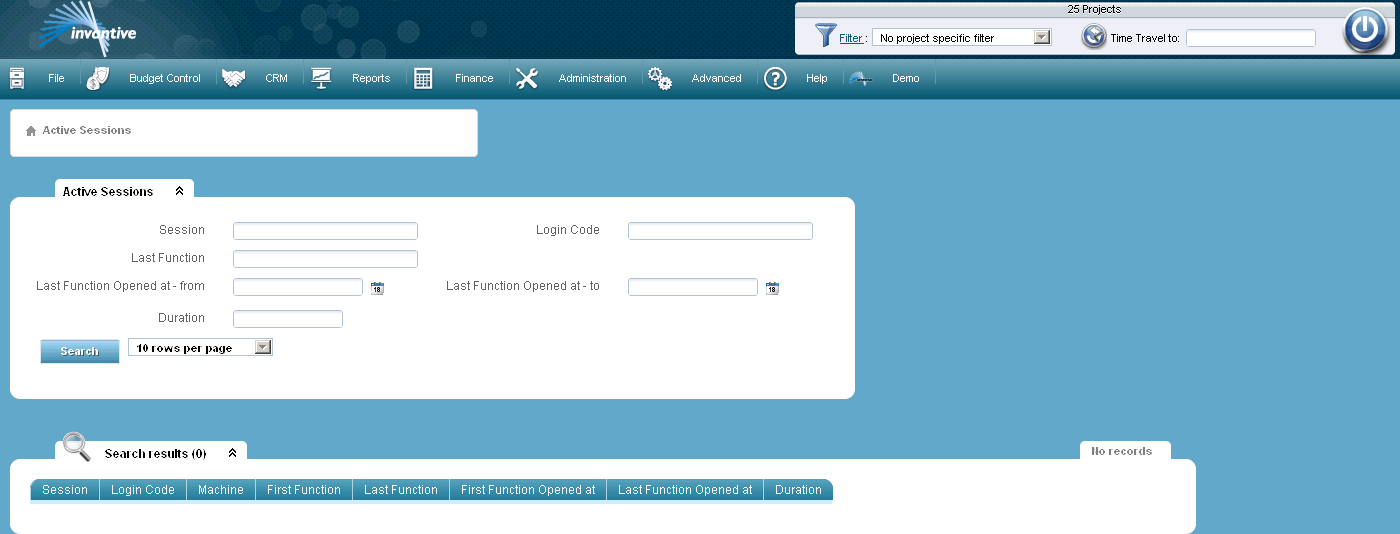
In the screen you cannot add or change data.
The meaning of the search fields is:
Session |
Here you can choose the filter for a session. A session has a unique identification number. |
Username |
Here you can choose a filter for a user name. |
Last Function |
Here you can choose a filter for the name of the last function. |
Last Function Opened - at |
Here you can choose a filter for the period from for the last opened function. |
Last Function - to |
Here you can choose a filter for the period until for the last opened function. |
Duration |
Here you can choose the value for the filter for the duration of a session. |