
 Invantive Estate
User Profile Option Values |
In this screen you can register or modify user profile option values. ;8714;8825
User profile options are features that can be set per user. Fore example: the profile option ‘Background color Invantive Estate’ has the default color ‘Gray’. The profile value of user A and user B is ‘Purple’.
User Profile Option Values are closely related to Profile Option Values and Profile Options.
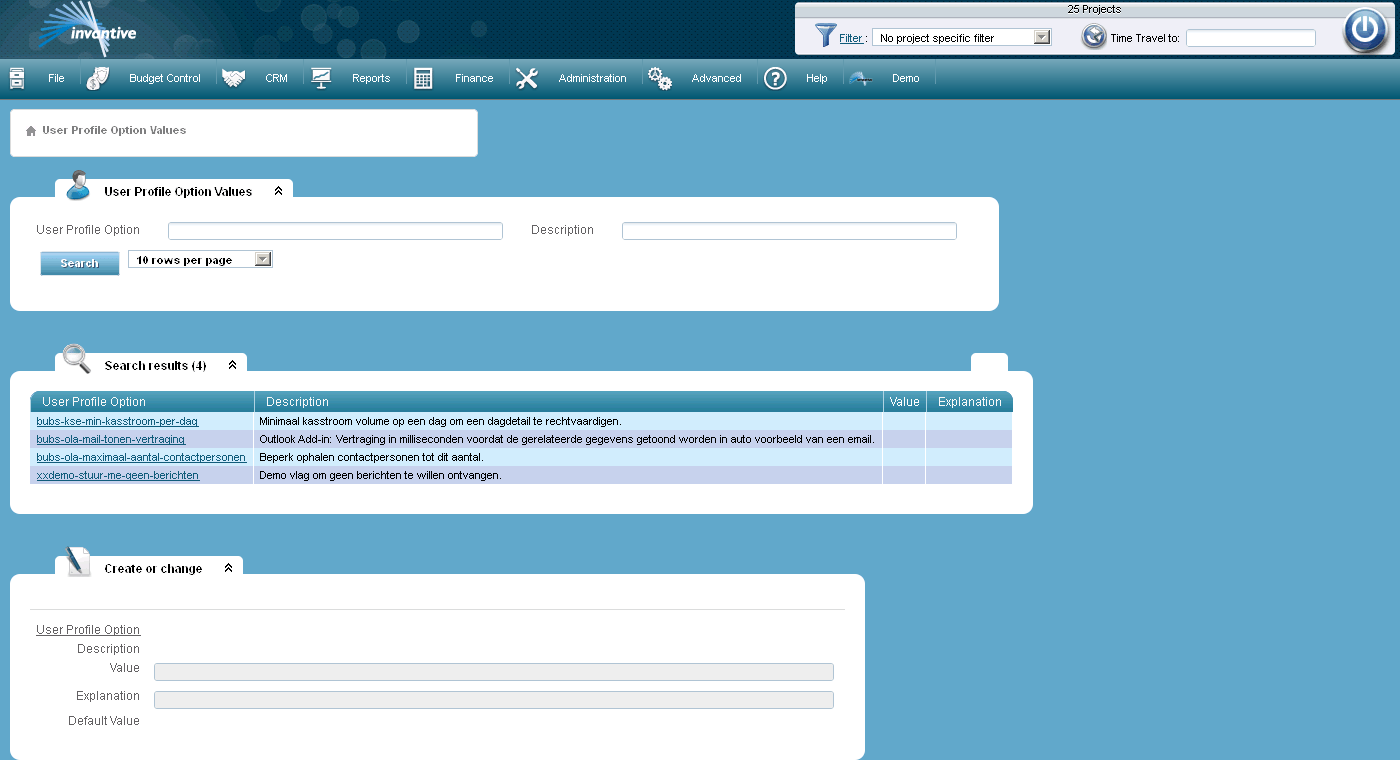
The meaning of the entry fields is:
Value |
The profile option value that is assigned at user level to the profile option. |
Explanation |
Explanation of the assigned profile option value. |
The meaning of the other fields:
Code |
The code of the profile option. |
Description |
The description of the profile option. |