
 Invantive Estate
Change Calendar Owner |
Using the menu option Change Calendar Owner, you can easily change the calendar of project employees without logging in to Invantive Estate for Outlook again. Select the option Change Calendar Owner. The following screen will be opened.
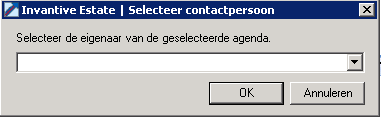
To display the calendar of a different employee, open the list of choices by selecting the triangle left in the list of choices.