
 Invantive Estate
Project Versions |
In the screen ‘Project Versions’ you can create snapshots of a project. ;8714;8825
This function is useful when you want to evaluate the project in time. When you snapshot a project, the current data of a project is stored and can be accessed at any time. If you add a new project version, all derived data will be updated. The time used for adding a project version depends on the complexity and the number of Project Version Views.
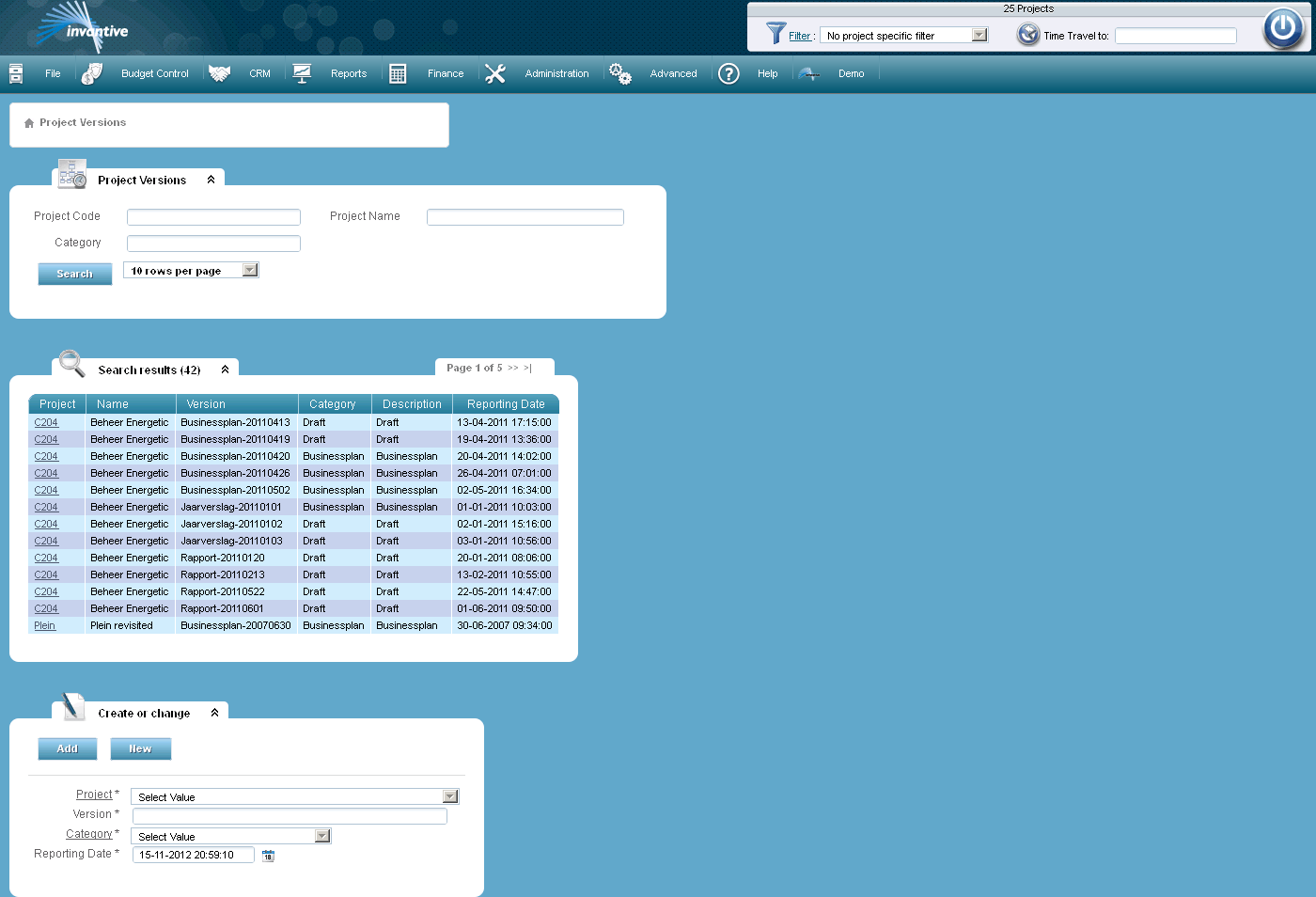
The meaning of the entry fields is:
Project |
A combination of the code and the name of a project. |
Version |
Here you can enter the name of the project version. |
Category |
Reference to a project category as registered in Project Version Categories. |
Reporting Date |
The date the snapshot of a project was created. |